
Cancel on web
- Go to your Subscription settings.
- Click Invoices and Payment Methods to open your billing portal.
- Click Cancel plan.
- Your access continues until the end of your current billing period.
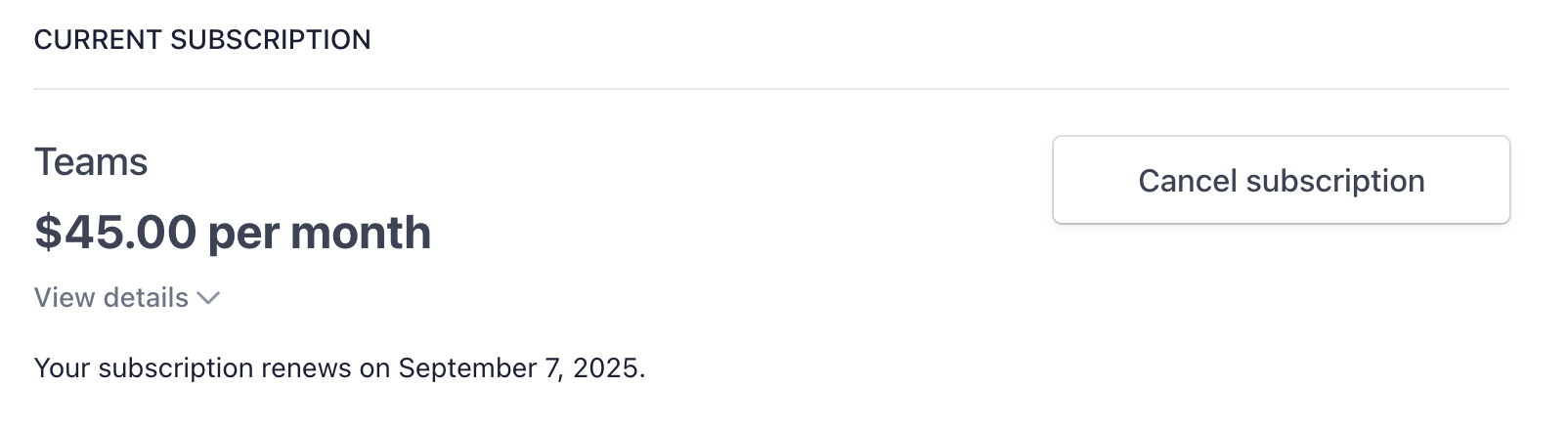
After canceling, you keep full access to your plan until the end of your current billing period. You won’t be charged again.
Cancel on iPhone or iPad
If you subscribed through the App Store, you must cancel through Apple:- Open Settings on your device.
- Tap your name at the top, then tap Subscriptions.
- Find Julius AI and tap it.
- Tap Cancel Subscription.
Cancel on Android
If you subscribed through Google Play, you must cancel through Google:- Open the Google Play Store app.
- Tap your profile icon, then tap Payments & subscriptions → Subscriptions.
- Find Julius AI and tap it.
- Tap Cancel subscription.
Not sure how you subscribed?
- Check your email for a receipt from Julius, Apple, or Google Play.
- If your receipt is from Julius or Stripe, cancel on web (step 1 above).
- If your receipt is from Apple or Google, follow the mobile steps above.
After canceling
- Your plan stays active until the end of your current billing period.
- Unused credits expire at the end of that period.
- Your data and files are preserved. You can still log in on the Free plan.
- Changed your mind? You can resubscribe anytime from your Subscription settings.
Need a refund?
Refunds are reviewed on a case-by-case basis. See our Refund Policy for details. To request a refund, contact us at team@julius.ai with your full name, purchase email, receipt number, and reason for the request.Still having trouble? Reach out to team@julius.ai and we’ll help you out.