
Enabling Invite Links
Enabling Invite Links
Use an to invite new members to your team. To do this: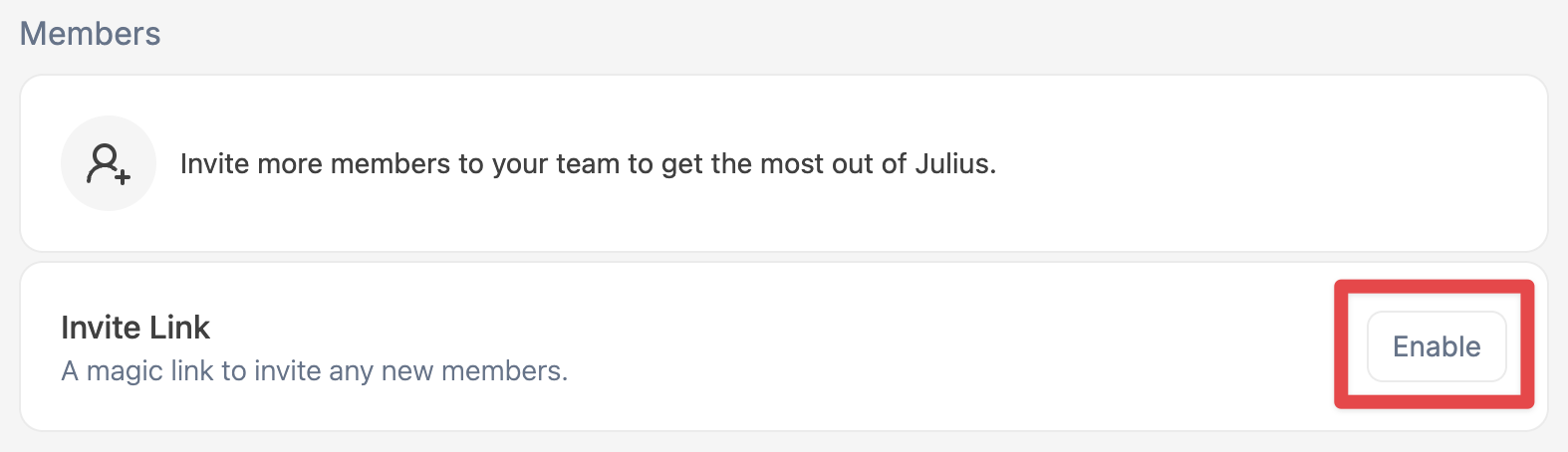
- Go to your Teams Settings page
- Under Members -> Invite Link click Enable
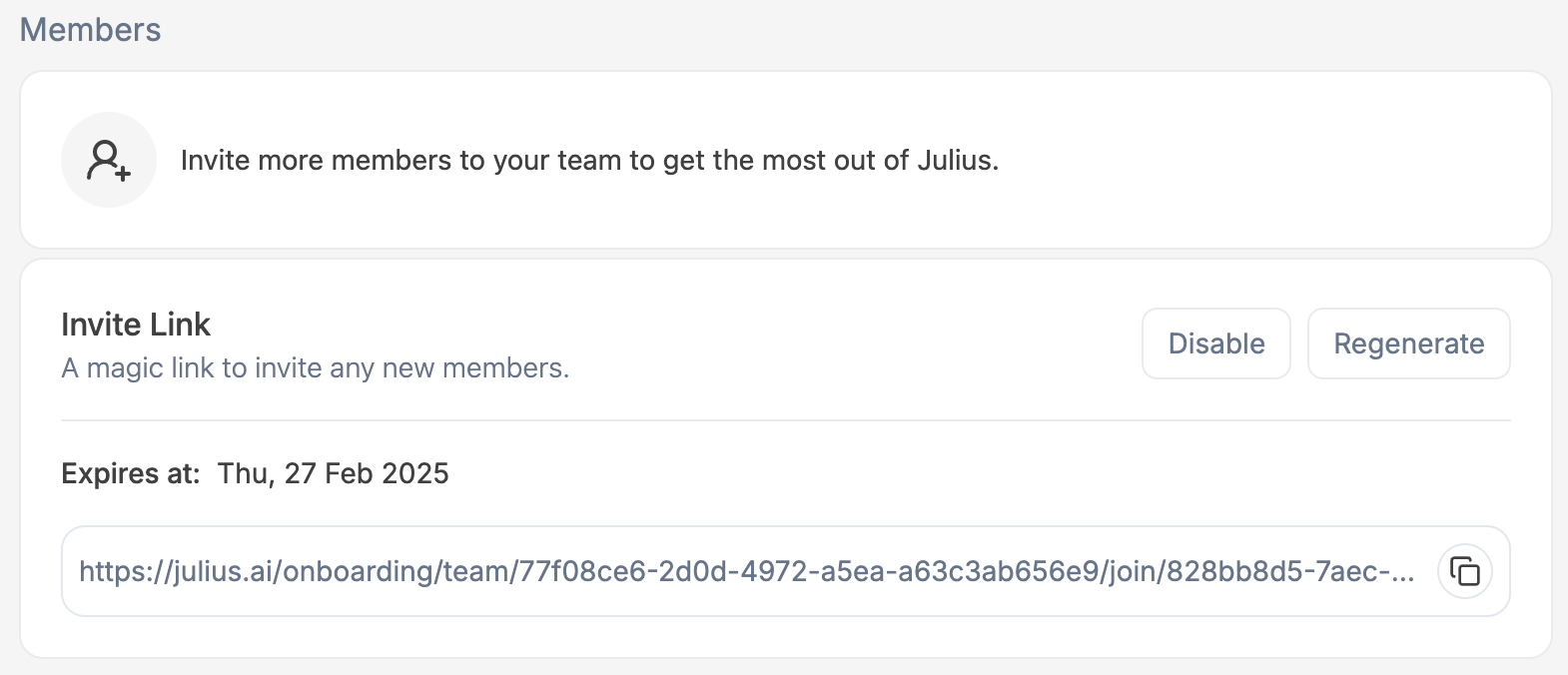
- This will create an Invite Link that you can share with your colleagues and coworkers!
Expires At - The date the link will expire Disable - Disable the Invite Link
preventing Regenerate - Generate a new Invite LinkInvite new members
Invite new members
Invite additional members via email by entering their email address in the Invite New Members field, and pressing 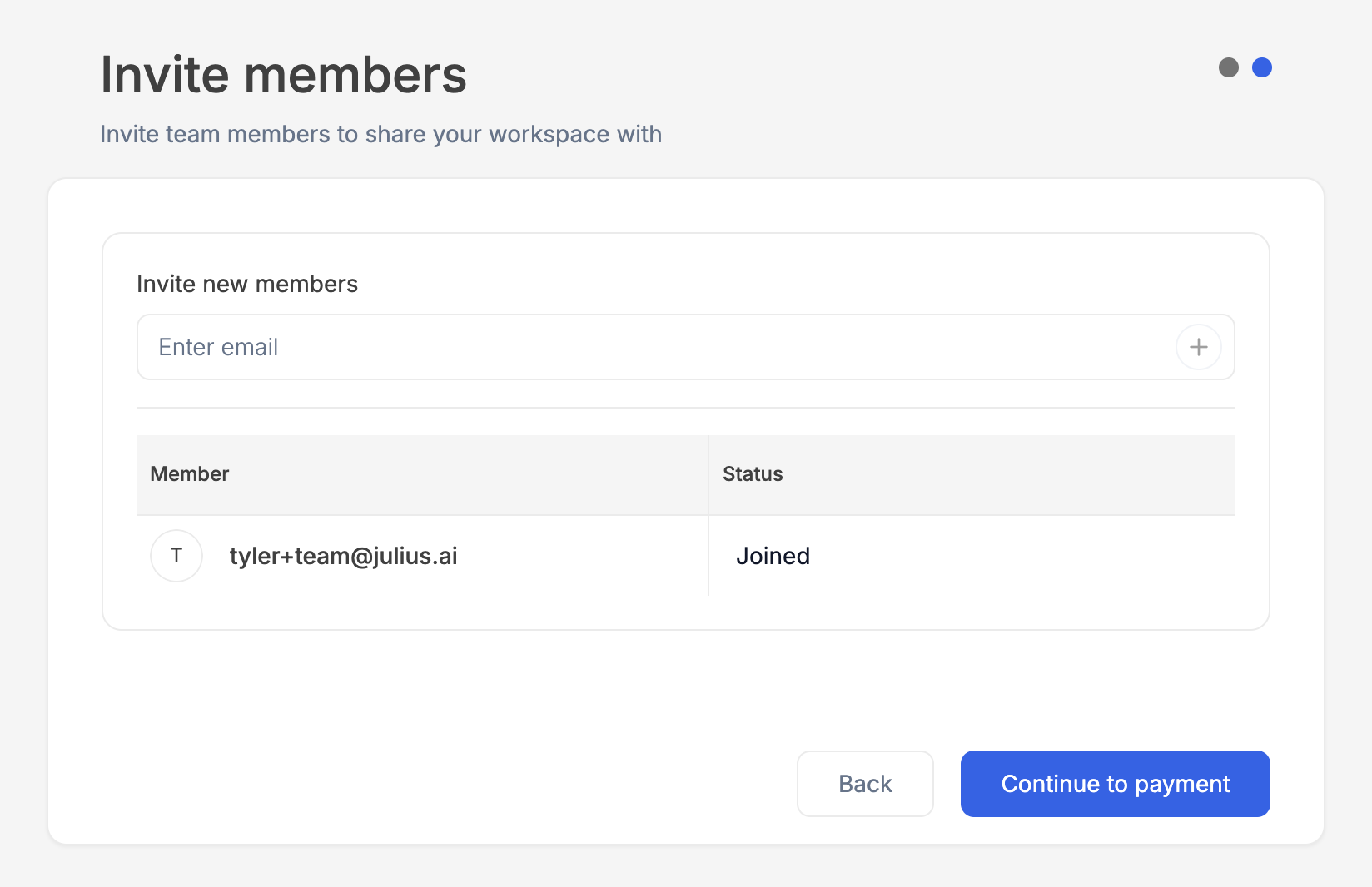
Enter or clicking the + button.Reach out to team@julius.ai for support or to ask questions not answered in our documentation.